
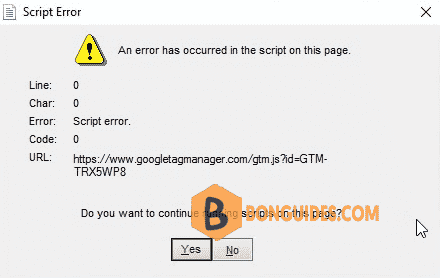
In some cases, in Windows 10, 11, after your computer starts, you get this popup Script Error.
- Open Windows Task Manager in your Windows 10, 11.
- In the Task Manager window, navigate to the View tab then select Expand all option
- Scroll down and find the process with script error. Right click on it then select Open file location.
- Delete that folder, but i need kill the running process first.
Stand: 2024-09-11